- Step 01
Create an account & buy your card
Sign up, then grab the Heat Score Garage NFC card from the Shop for CA$80 + tax and CA$10 shipping — we ship worldwide.
Buy now - Step 02
Get your code by email
Right after payment our system generates a one-of-a-kind, unclaimed card code (HS-XXXX-XXXX) and emails it to your account email. It also lands in your notification bell.
- Step 03
Claim the code
Open your Garage and enter the code under Linked cards. It locks to your account — nobody else can claim it.
- Step 04
Your card ships, pre-programmed
We program your physical NFC card with that exact code and ship it to you. It's already connected to your account.
- Step 05
Build your sheet
In your Garage set your name and @, add year/make/model, dyno numbers, your full build list, shop tags, when the build started and your socials.
- Step 06
Add photos & videos
Upload photos and clips to your gallery, and post to The Pit so everyone can see and like them.
- Step 07
Set it on the dash
Put the card in the dash stand or on the window. Anyone who taps it with their phone sees your full drop sheet — no app needed.
- Step 08
Stack heat
Upvotes on your sheet and likes on your Pit posts build your heat score (1 upvote = 10 heat · 1 Pit like = 5 heat). Climb the Heat Board.
- Step 09
Compete at events
At a live event, enter the venue code and check in as a competitor to enter your build — spectators vote Best in Show and the winner takes the prize.
Setup guide
How it works
From checkout to Best in Show — here's exactly how it works.
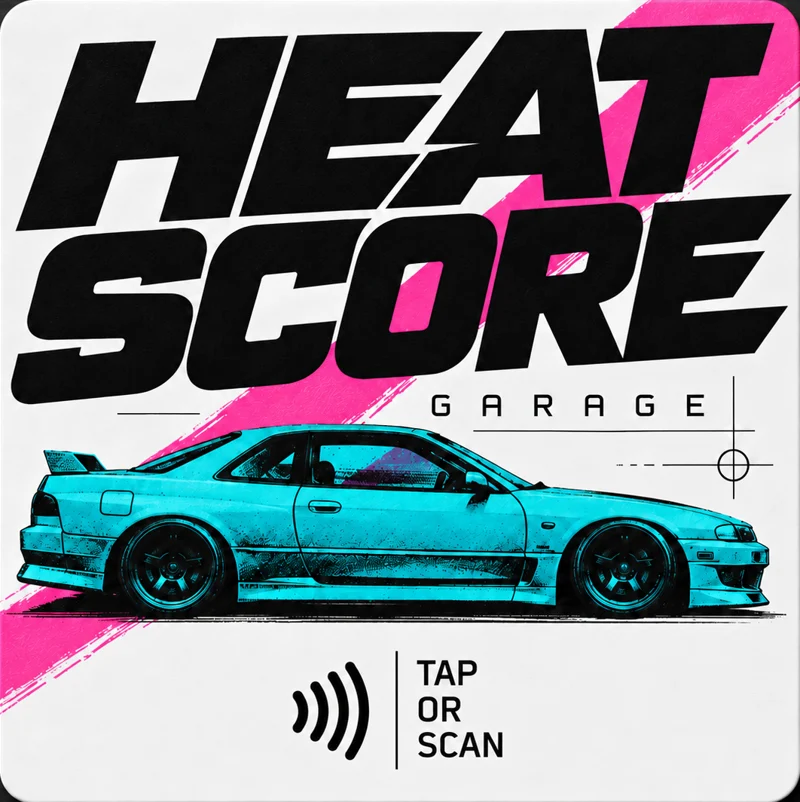
Heat Score Garage NFC CardCA$80
FAQ